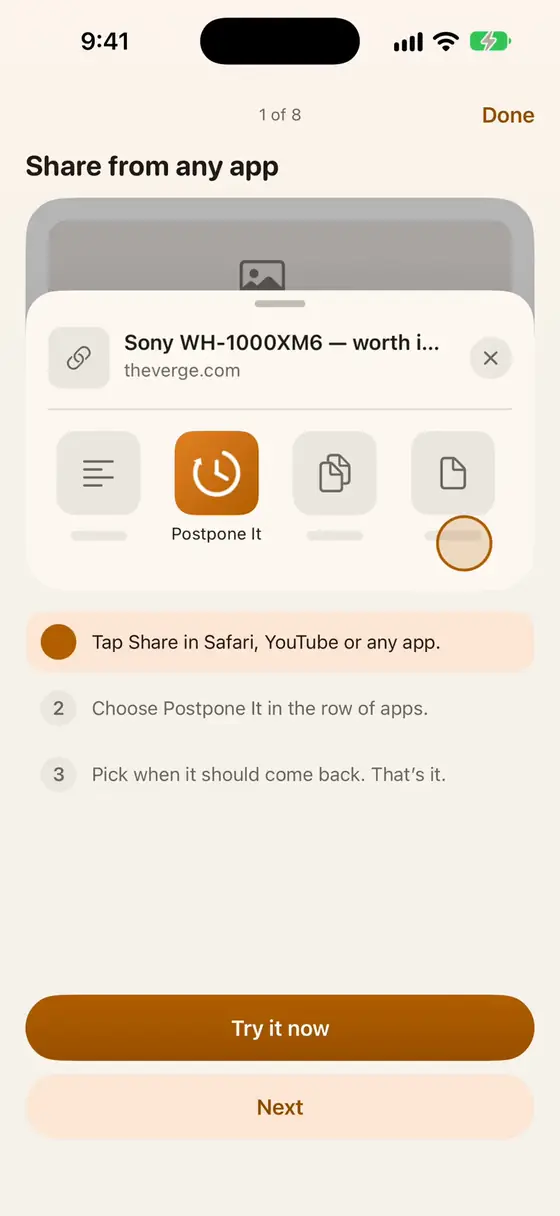
The share sheet
In any app on iPhone and iPad, share, then Postpone It.
Save now. Get it back later.
From any app, the widget, Siri, the Action button, or right in Postpone It.
Later today, tomorrow, this weekend, next week, or a time you pick. Or Now, for something you're sending to someone else.
A notification shows what you saved, right when you chose. Nothing to check, nothing to miss.
Open it, postpone it again, or release it. Still undecided after a few days? It lets go on its own.
Save without breaking what you were doing.
In any app on iPhone and iPad, share, then Postpone It.
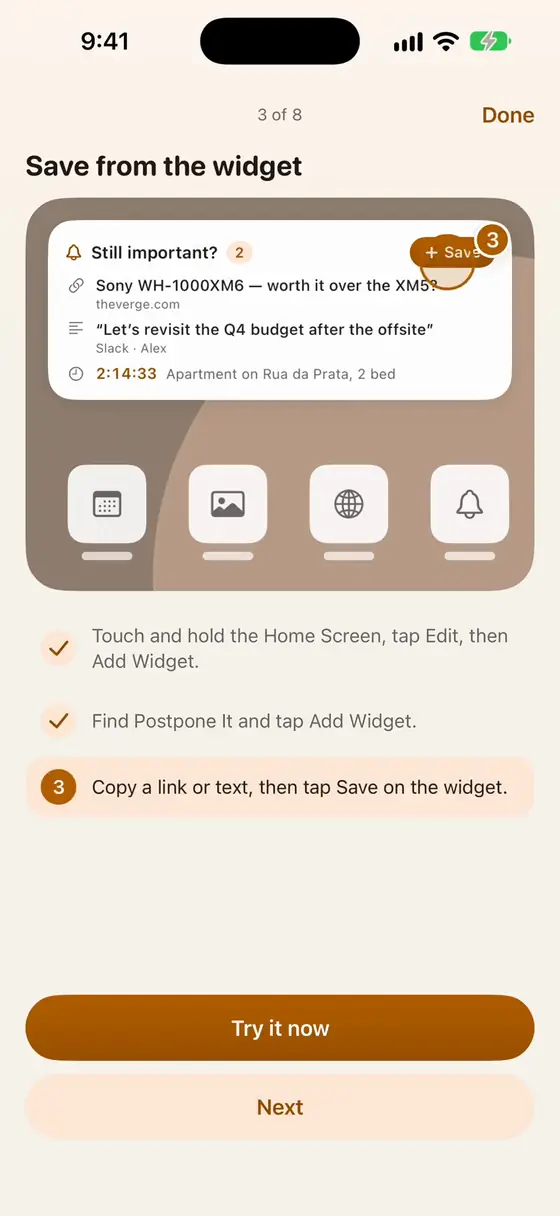
Add What's Due to your Home Screen, or save straight from a widget.
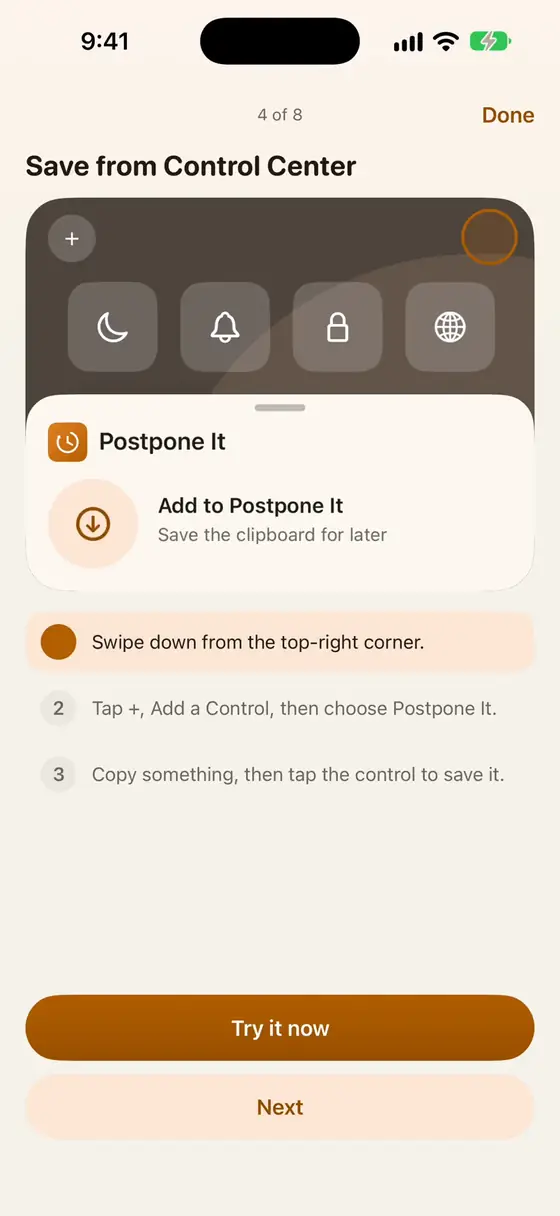
Add the Postpone It control once; after that, one tap saves whatever you copied.
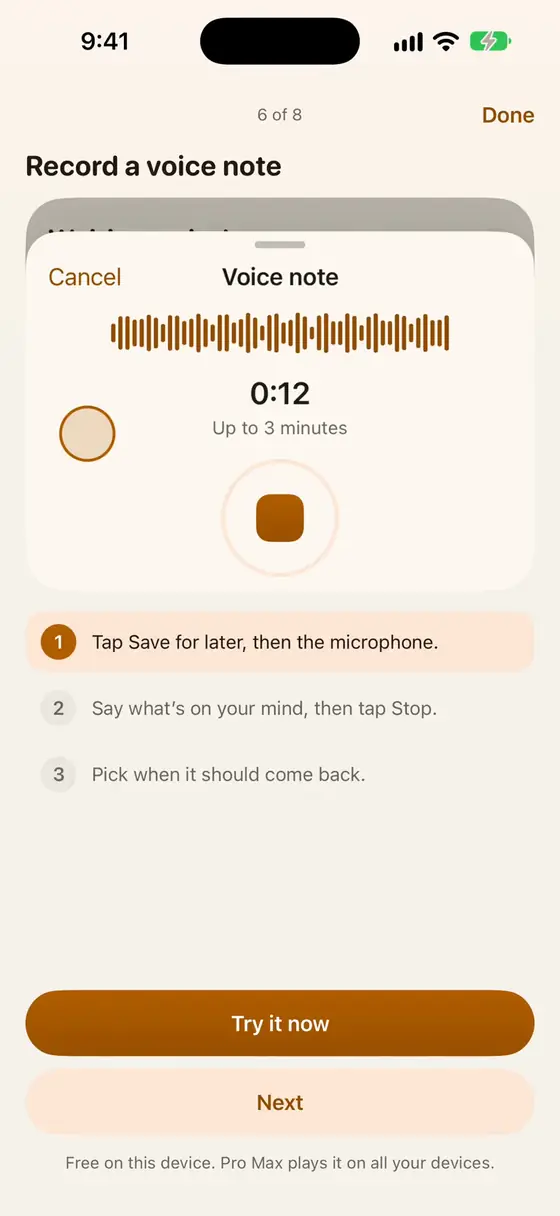
On iPhone, hold it to start a voice note that's kept for later.
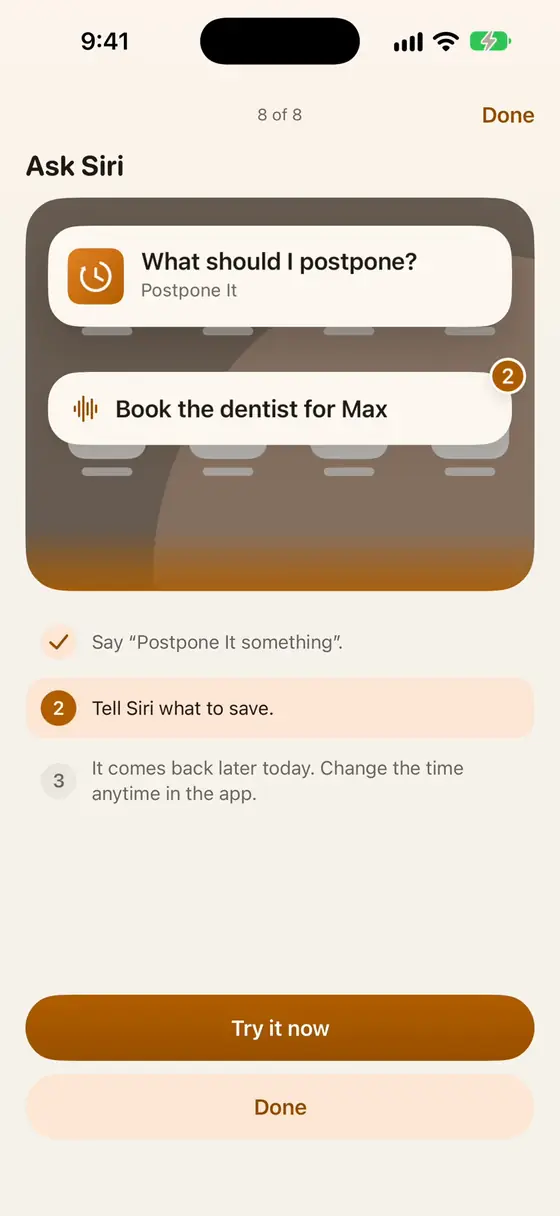
Say “Postpone It something,” tell Siri what to save, and it comes back when you chose.

Right-click a link or selected text, or click Postpone It in the toolbar.

Select text anywhere on your Mac, right-click, choose Services → Postpone It.
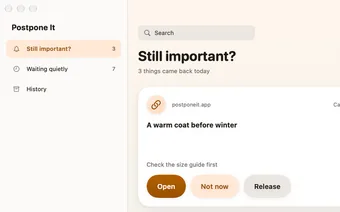
Click the Postpone It icon, type or paste, or use the clipboard.
Not everything you want to postpone is text.

Hold the microphone, say what's on your mind, let go. A 0:42 voice note plays straight from the notification when it comes back.
Record a short video instead of typing. On Pro Max, it plays everywhere, for the whole family.

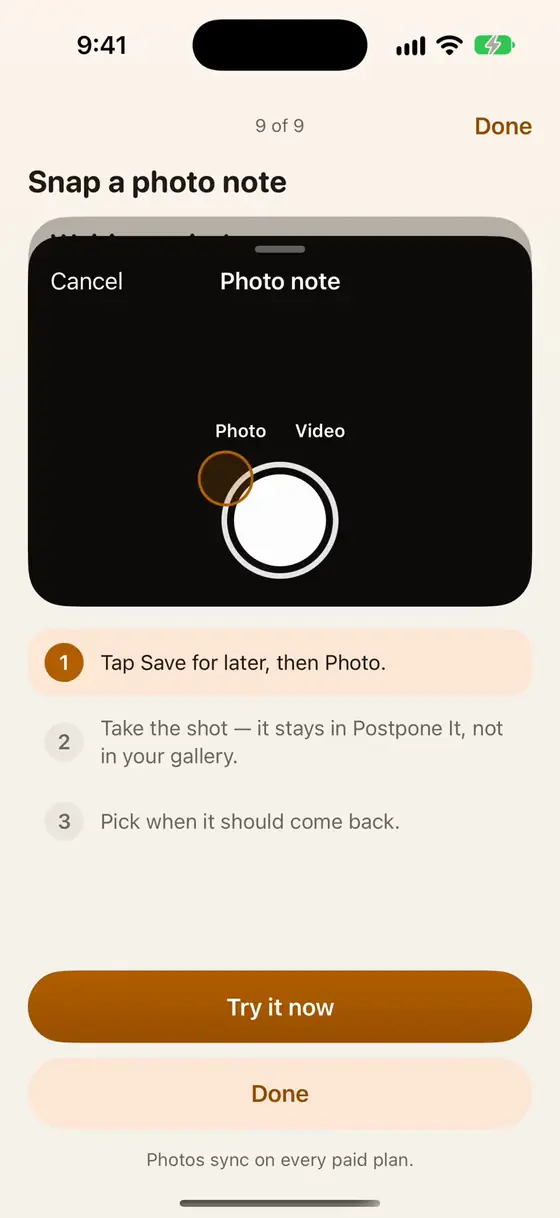
Take the shot in Postpone It, not in your gallery. A menu, a poster, a price tag, a Wi-Fi password on the wall: it comes back when it matters, and it never clutters your camera roll.