
Guides
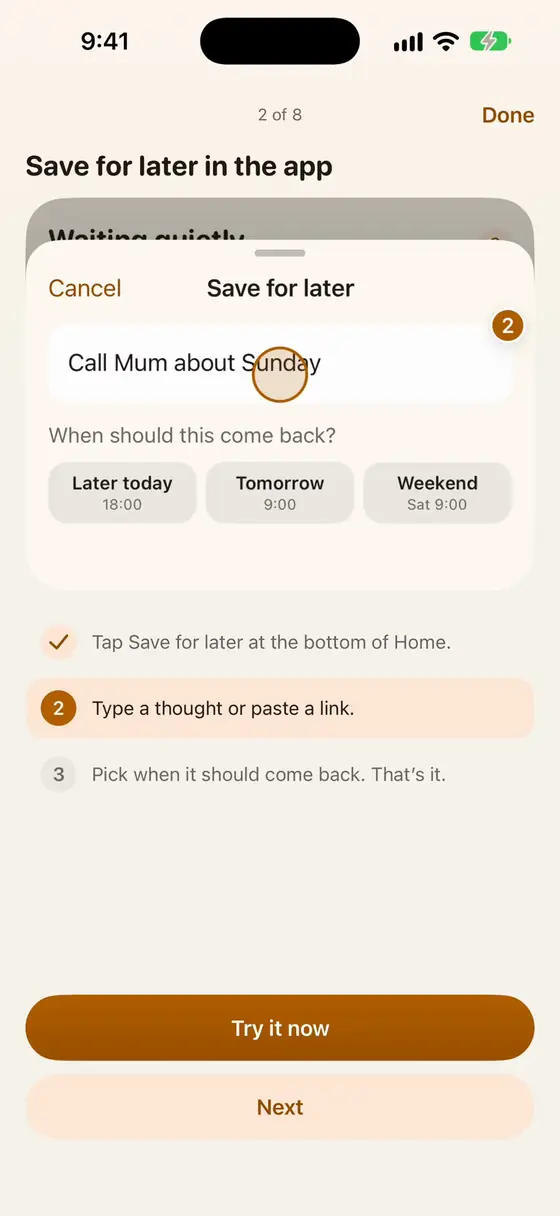
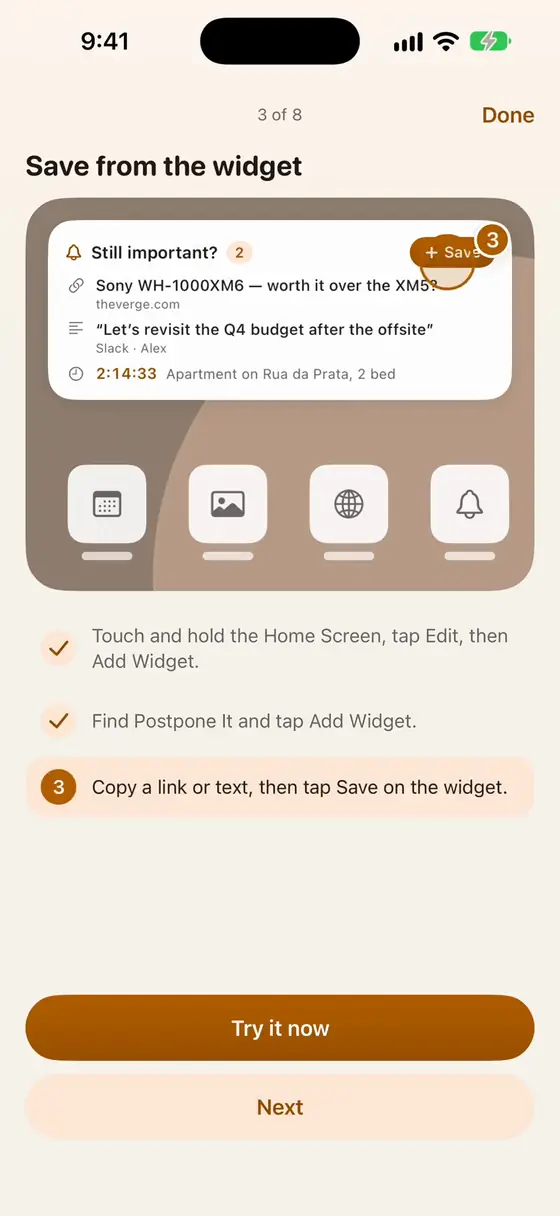
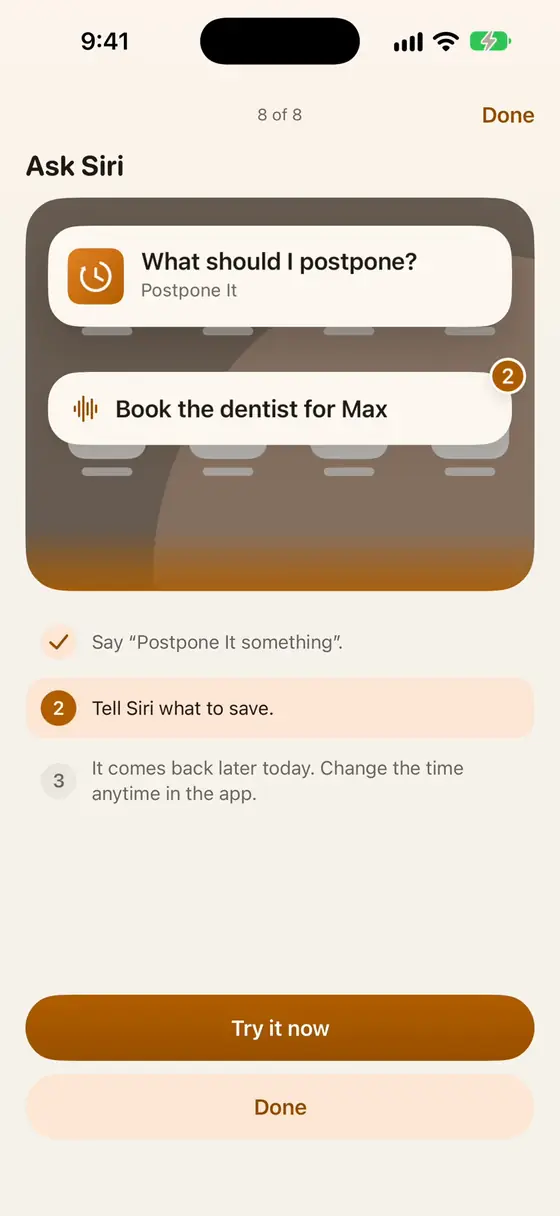
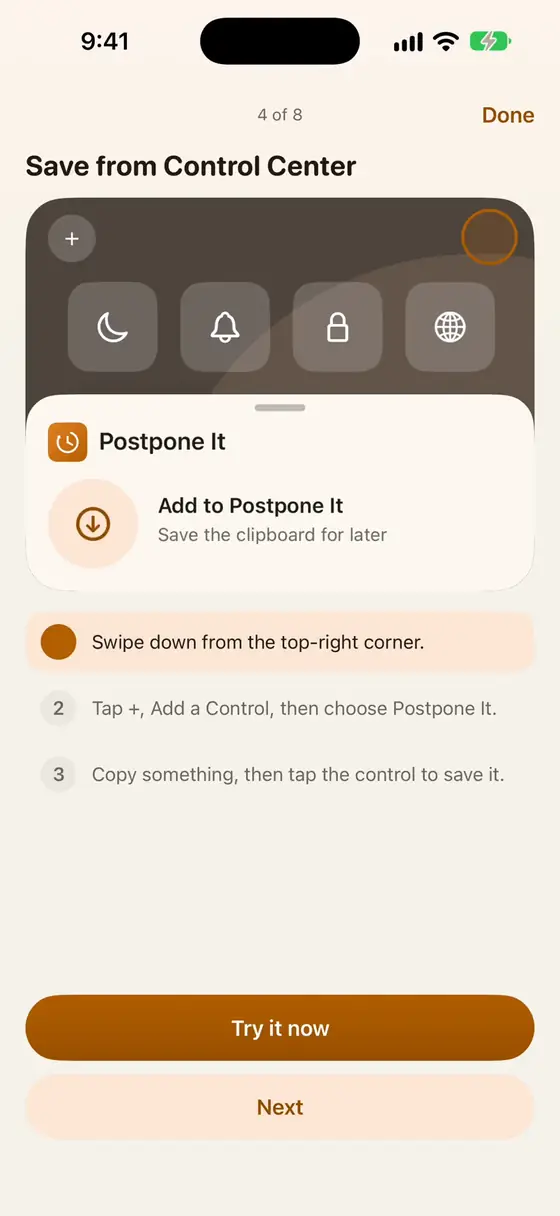
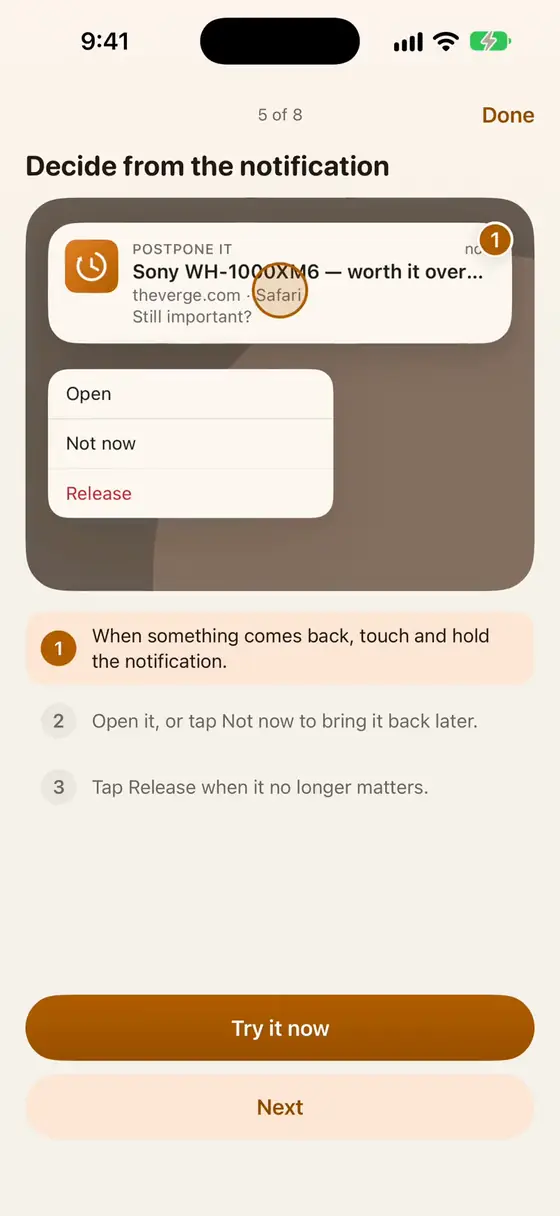
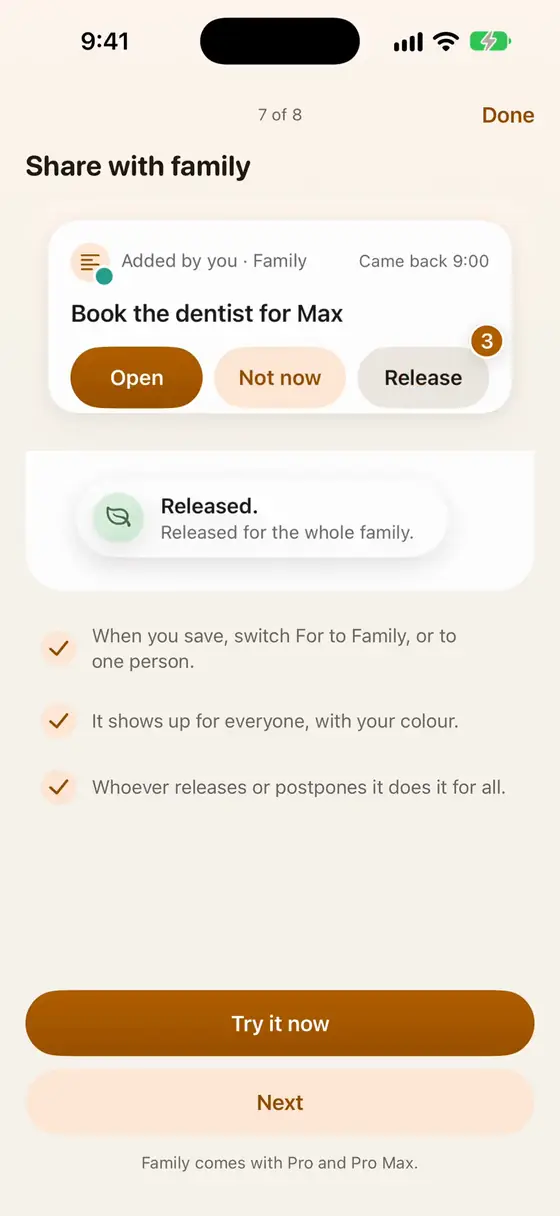
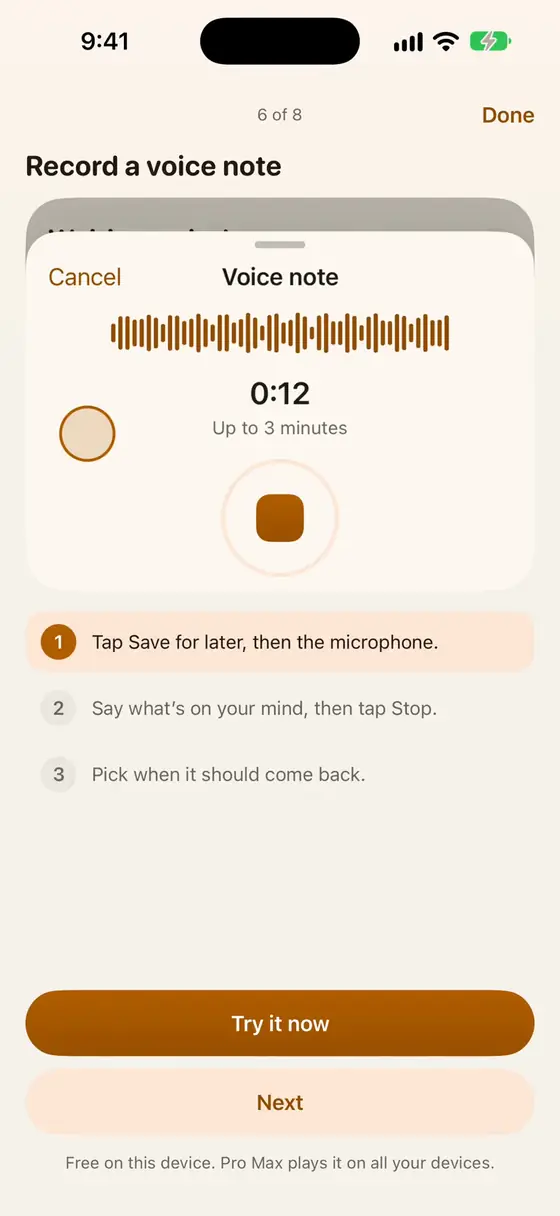
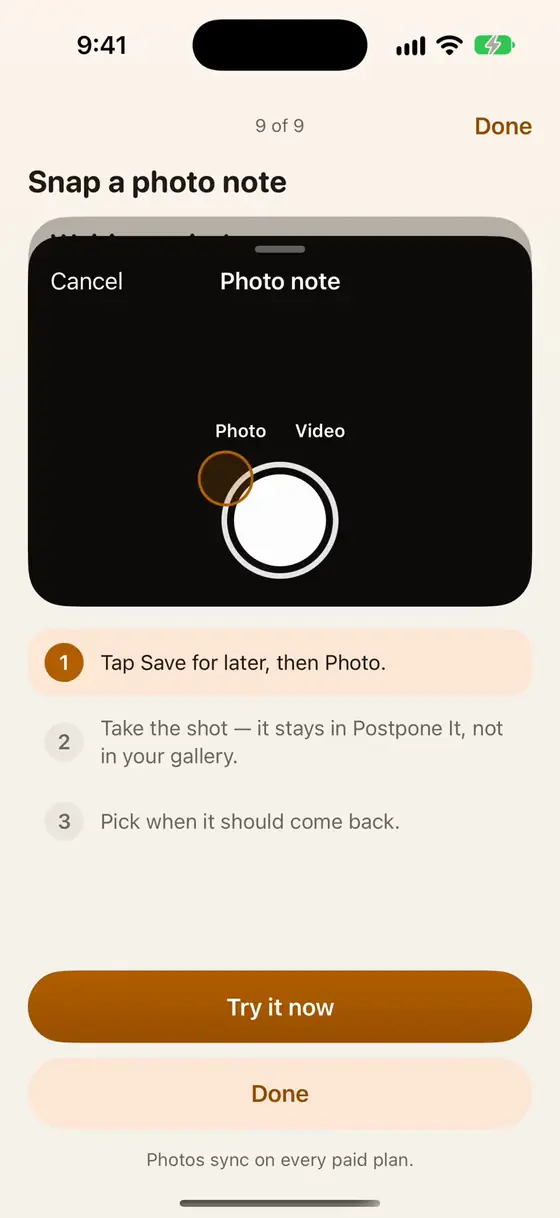
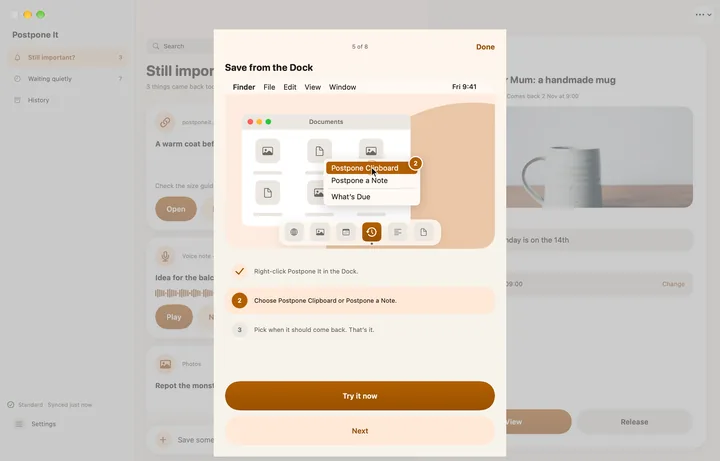
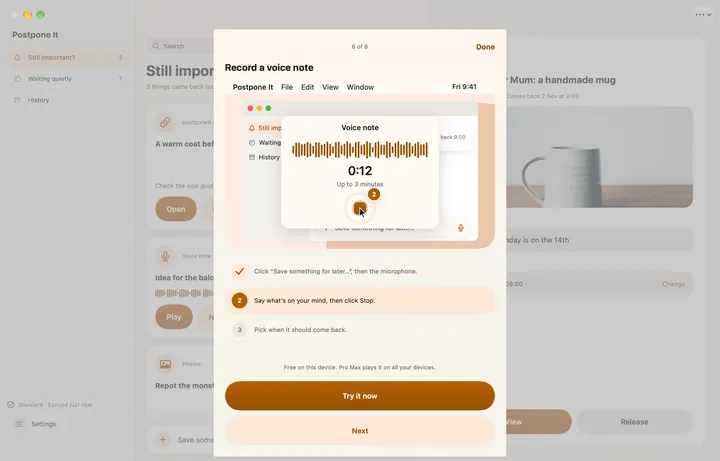
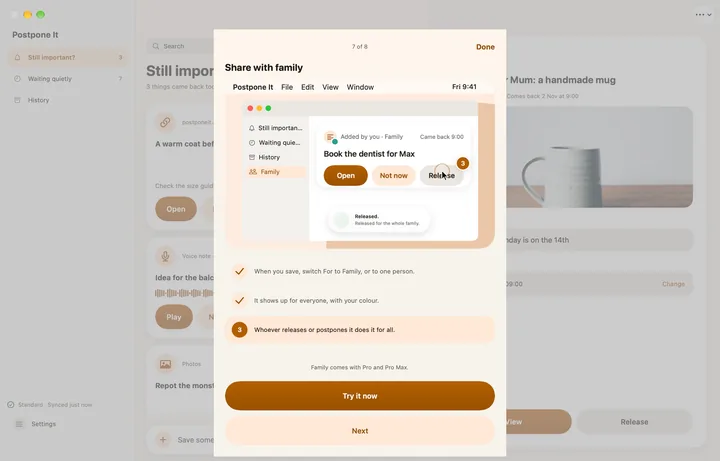
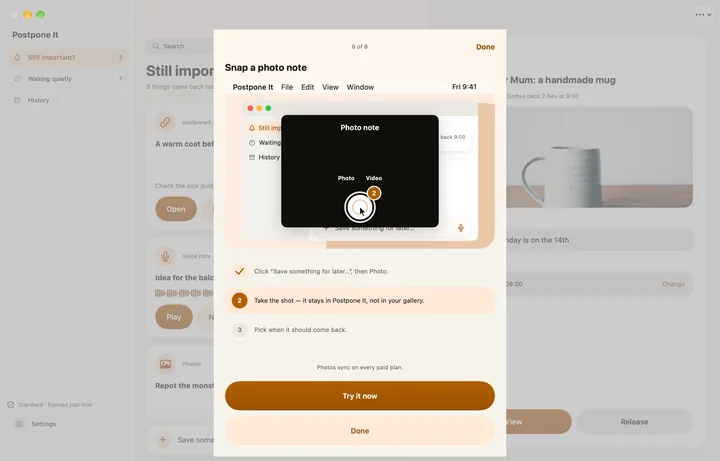
Every way to save, shown in a short, looping video.
On iPhone and iPad

On Mac








Get started on Mac
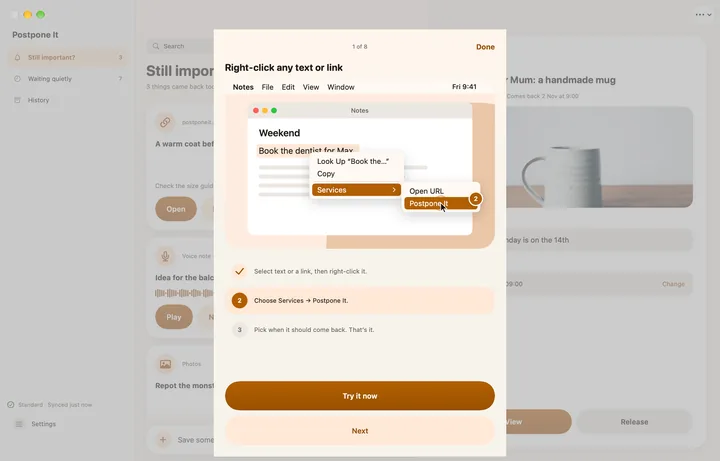
Three ways to make Postpone It part of your Mac.
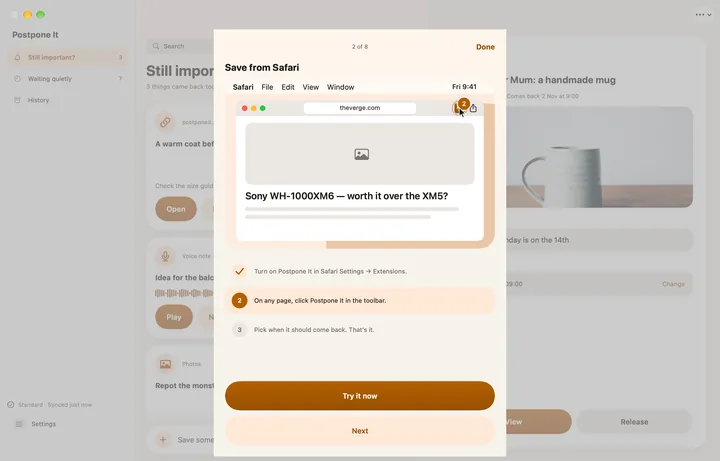
The Safari extension
Safari Settings → Extensions → turn on Postpone It. Then click it in the toolbar on any page.
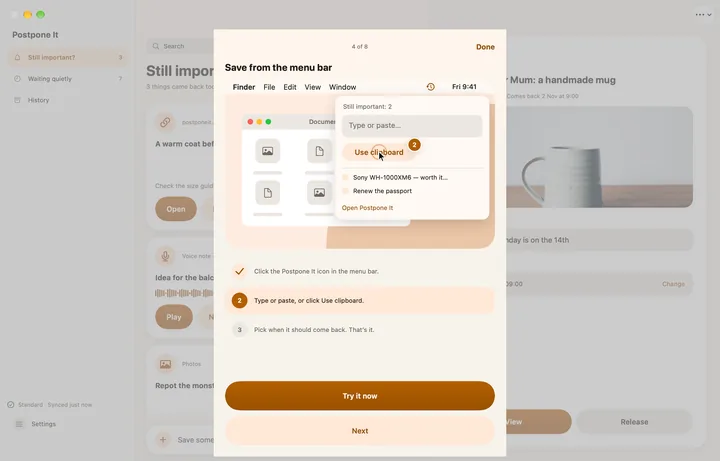
The menu bar
Click the Postpone It icon any time to type, paste or use the clipboard.
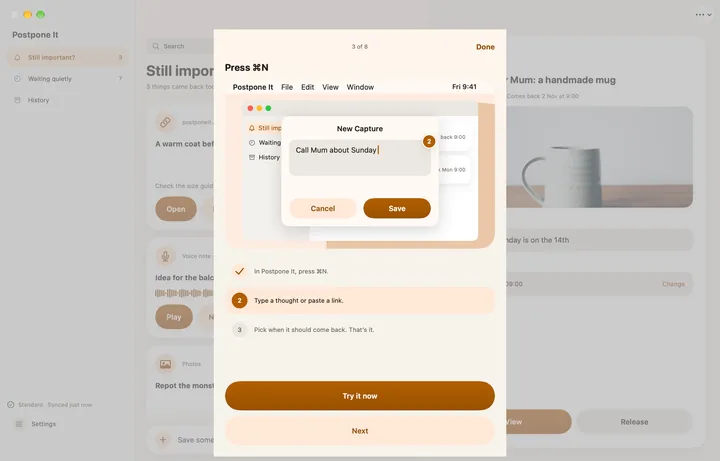
⌘N
From anywhere in the app, press ⌘N to start a new save.